Notes & Tasks: Download/Backup/Export
March 5, 2026 vers. 2.0
Let's Begin
Download your Notes & Tasks in the format and in the way that you need.
- Download data files(text based), save your information/data in a quick view condensed data way.
- Download text files based on your Notes & Tasks Workspace and then write.
- Select the download style and type. Download in Word, PDF, and HTML
- Backup your Notes & Tasks Work Areas in text or data format, or writerstat file(.ws) format(future).
Using Storyfyre you can create any kind of story faster, better.
What this Page Covers
Basics
When you are ready, download/export a data or text file. Use it in your favorite writing software to get a fast head start. Or use it in our other WriterStat software to get an even faster head start.
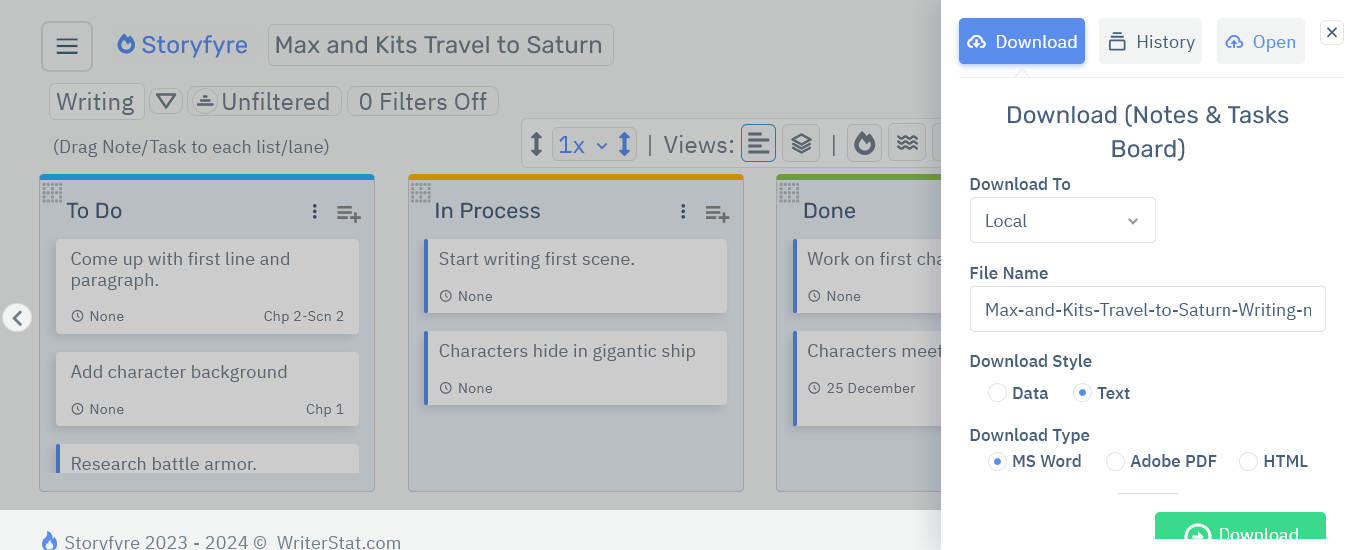
Or download/export text data files in a condensed data format for use in other places and for backups.
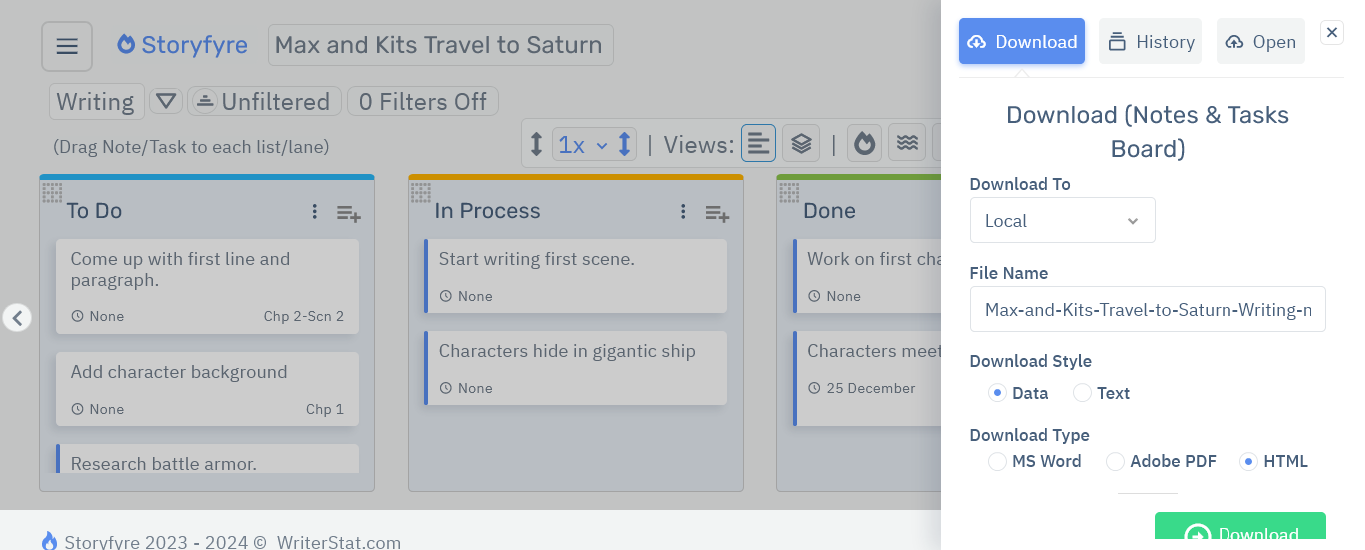
Or download/export your text based Notes & Tasks in other ways. Word, PDF, and HTML. For a quick view.
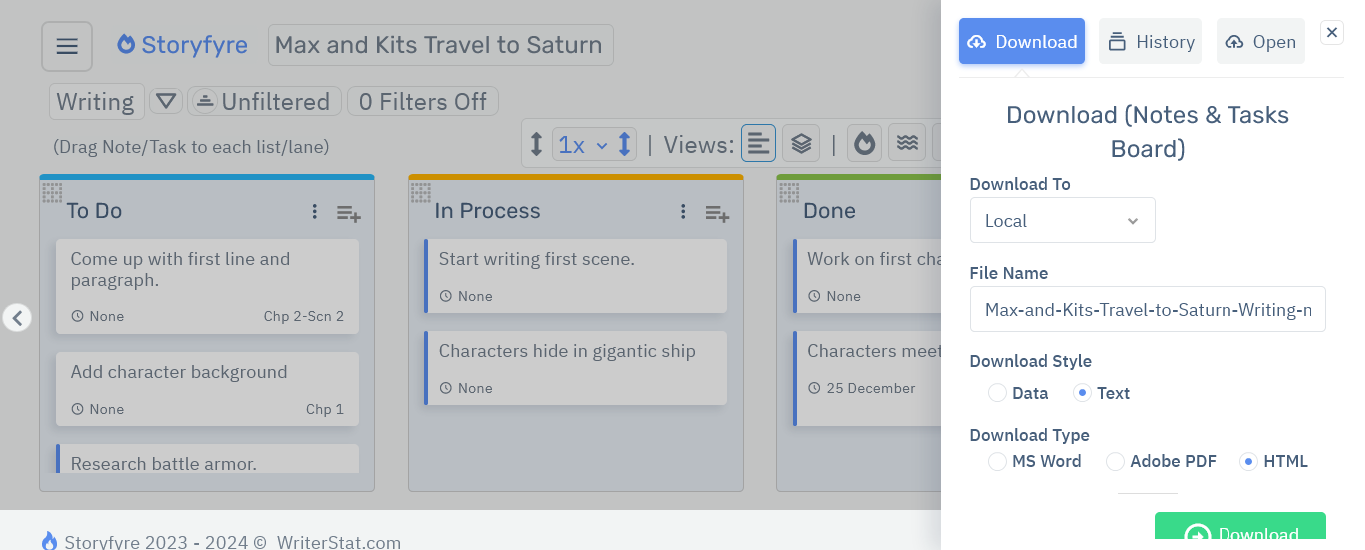
Get Started
Open the Download/Export/Backup: Area Intro and read to learn more.
Limits
Let us know of any limits within the Notes & Tasks: Download/Backup/Export, that you discover and we'll include them in the next update.
More integrated files types will be available in our following versions.
Storyfyre is growing daily, let us know what we can include, change, update. We appreciate your help.